
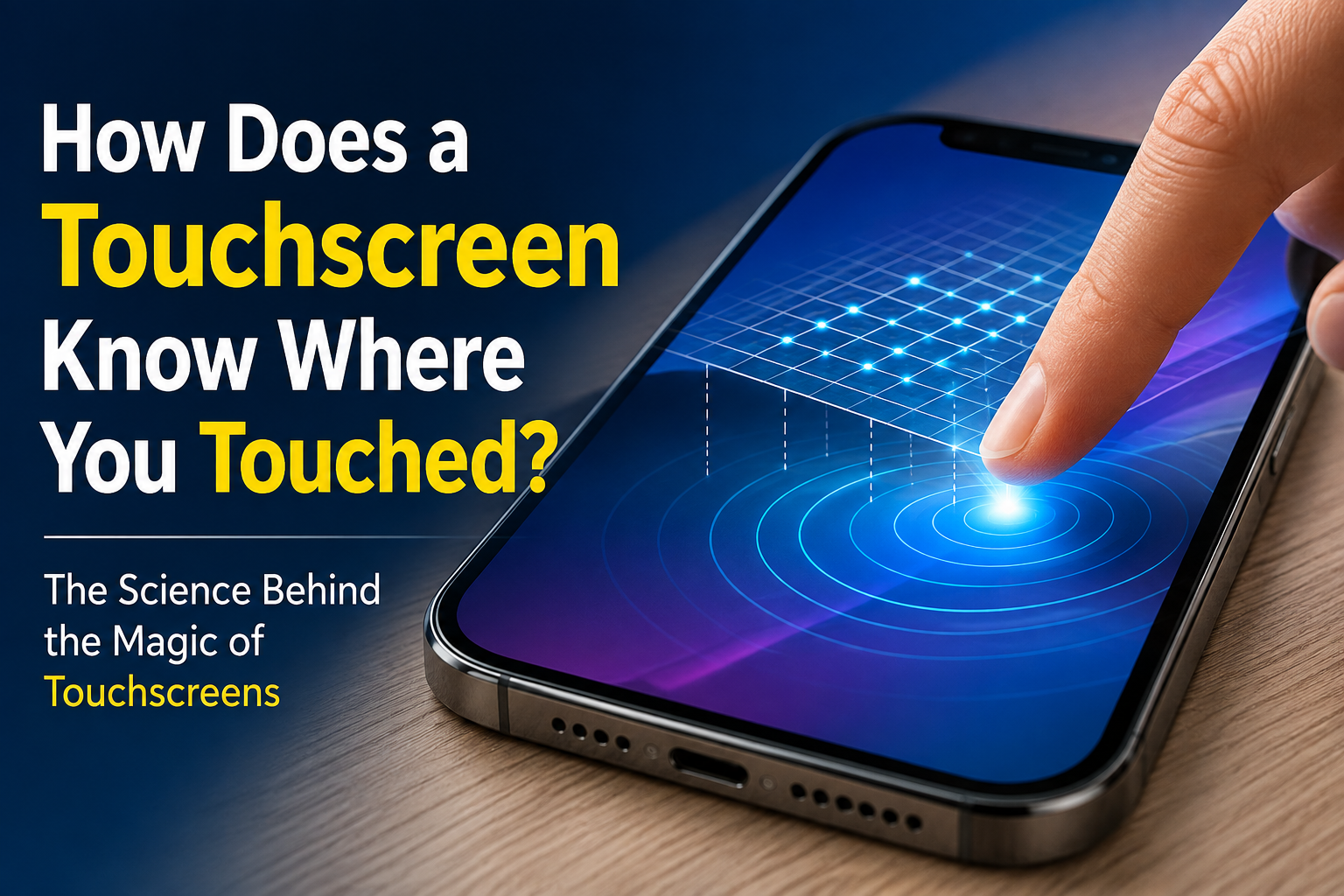
How does a touchscreen know where you touched? Have you ever wondered how your phone knows exactly where your finger touched the screen?
You tap a tiny icon, and it opens. You swipe from one side to the other, and the screen follows your finger. You can even pinch two fingers together to zoom into a photo.
But the screen itself is just a flat piece of glass.
So how does it know where your finger is?
The answer is a clever combination of electricity, sensors, and a little bit of mathematics.
Let’s take a look inside a touchscreen and find out how it works.
First, What Is a Touchscreen?
A touchscreen is a display that can both show information and detect where you touch it.
Your phone screen is not simply a display with glass on top. Underneath the glass are very thin layers containing a network of sensors.
These sensors constantly monitor the screen.
When your finger touches the surface, something changes in this electrical network.
The touchscreen detects that change and calculates:
“Aha! The finger is here.”
It then sends that information to the phone’s processor, which decides what action to perform.
For example:
You touch the camera icon → the touchscreen detects the location → the processor identifies the icon → the camera opens.
All of this happens in a fraction of a second.
The Secret: Your Body Conducts Electricity
Here is the interesting part.
Your body can conduct electricity.
Don’t worry—we are not talking about a noticeable electric shock!
Your body contains water and dissolved salts, which allow very tiny electrical currents to move through it.
A modern smartphone touchscreen takes advantage of this property.
Most smartphones use a technology called a capacitive touchscreen.
The word “capacitive” comes from capacitance, which is the ability of a system to store electrical charge.
But what does that have to do with your finger?
Let’s see.
What Is Hidden Under the Glass?

If you could peel apart your phone’s touchscreen, you would find several very thin layers.
One important layer contains a grid of transparent electrical conductors.
These conductors are arranged in patterns that allow the touchscreen to detect changes at different locations.
They are so thin that you can see the display through them.
Think of it like an invisible electrical map spread across the screen.
You cannot see the map.
But the phone can.
What Happens When You Touch the Screen?
Imagine that your phone is sitting on a table and you haven’t touched it.
The touchscreen is continuously monitoring its electrical state.
Now you place your finger on the screen.
Your finger interacts with the electrical field around the screen.
Because your body can conduct electricity, it slightly changes the electrical properties at the point where your finger touches.
The touchscreen’s sensors notice this change.
It is almost like the screen saying:
“Something just disturbed the electrical field here!”
The phone then works out exactly where that disturbance happened.

How Does It Know the Exact Spot?

This is where things get really clever.
Imagine the touchscreen divided into a huge invisible grid.
For simplicity, let’s imagine something like this:
A B C D
1 2 3 4
Now imagine your finger touching somewhere around C3.
The touchscreen doesn’t literally have big boxes labelled A, B, C and D.
Instead, it has a very fine network of electrical sensing areas.
When your finger touches the screen, the electrical signal changes more strongly around that location.
The touchscreen controller measures these changes and calculates the position.
It can determine two important coordinates:
X = left or right
Y = up or down
Together, these coordinates tell the phone exactly where you touched.
For example:
X = 720
Y = 1350
The phone now knows the precise location of your finger.
But How Does a Finger Change Electricity?

To understand this, imagine the screen creating a tiny electrical field.
When nothing is touching the screen, this field has a particular electrical pattern.
Your finger is a conductor.
When you bring it close to the screen, it interacts with that electrical field.
This changes the capacitance at that location.
The touchscreen controller detects this change.
So the process is roughly:
Electrical field → Finger approaches → Capacitance changes → Sensors detect the change → Controller calculates position → Phone responds
And this happens incredibly quickly.
Why Doesn't a Normal Plastic Pen Work?
Try touching your phone with a plastic pen.
Usually, nothing happens.
Why?
Because ordinary plastic is an electrical insulator.
It doesn’t interact with the touchscreen in the same way your finger does.
Your finger, on the other hand, is conductive.
This is also why some people find that touching a capacitive touchscreen while wearing ordinary gloves doesn’t work.
The glove creates a barrier between your finger and the screen.
However, special touchscreen gloves contain conductive material that allows the screen to detect the touch.
Then How Do Touchscreen Styluses Work?
You might be wondering:
“If the screen needs my finger, how can a stylus work?”
Good question!
Some styluses are designed specifically for capacitive screens.
They use a conductive material at the tip that behaves somewhat like a finger.
Other advanced styluses are much more sophisticated.
They can communicate with the screen electronically and provide information such as:
- Where the stylus is
- How hard you are pressing
- Sometimes the angle of the stylus
- Whether a button on the stylus has been pressed
This is why drawing with a specialised digital pen can feel very different from simply tapping the screen with your finger.
How Does the Screen Know When You Move Your Finger?
Now suppose you place your finger on the screen and drag it.
The touchscreen doesn’t detect just one position.
It keeps checking the screen repeatedly.
For example:
Position 1 → Position 2 → Position 3 → Position 4 → Position 5
The phone connects these rapidly changing positions and interprets them as movement.
That’s how a swipe works.
Your finger moves across the screen, the sensors keep detecting its changing position, and the phone responds by moving the content in the same direction.
All of this happens so quickly that it feels like the screen is following your finger instantly.
How Does a Touchscreen Understand Two Fingers?

This is one of the coolest parts.
Your phone can detect more than one touch at the same time.
For example, place two fingers on a photograph and move them apart.
The phone detects two separate touch points.
It can calculate:
Touch 1 → X₁, Y₁
Touch 2 → X₂, Y₂
The software then looks at how those two points are moving.
If the distance between them increases, the phone may interpret that as:
“The user wants to zoom in.”
If the distance decreases:
“The user wants to zoom out.”
This is called multi-touch.
It is what allows gestures such as:
- Pinching to zoom
- Spreading two fingers to enlarge something
- Using multiple fingers in games
- Rotating objects
- Using several fingers for shortcuts
So your phone isn’t just detecting touch.
It is detecting patterns of movement and position.
What About Wet Fingers?
Have you ever tried using your phone with wet fingers and noticed that the touchscreen behaves strangely?
Water can affect the electrical behaviour of the screen.
Since capacitive touchscreens detect changes in electrical properties, water on the surface can sometimes create additional signals or confuse the sensors.
That is why a wet screen may sometimes:
- Register touches you didn’t make
- Ignore your intended touch
- Behave erratically
Modern phones have software designed to filter out many unwanted signals, but water can still cause problems.
Why Can You Use a Touchscreen Without Pressing Hard?
Remember old buttons?
You had to physically press them.
A capacitive touchscreen works differently.
Your finger doesn’t need to push a mechanical button underneath the screen.
The touchscreen is detecting an electrical change, not the force of your finger.
That’s why a very light touch can be enough.
In fact, pressing harder doesn’t necessarily make a normal capacitive touchscreen detect your finger better.
Are All Touchscreens Capacitive?
No!
There are different types of touchscreen technology.
The two important types to know are:
1. Capacitive Touchscreens
These are commonly used in:
- Smartphones
- Tablets
- Modern laptops
- Many smart devices
They detect changes in electrical properties caused by your finger or a conductive object.
They are excellent for gestures and multi-touch.

2. Resistive Touchscreens
Resistive touchscreens work differently.
They contain flexible layers separated by a tiny gap.
When you press the screen, the layers come into contact.
The device detects the location of that contact.
Because they respond to pressure, resistive screens can often be used with a finger, glove, stylus, or other objects.
They were once much more common in older phones, ATMs, industrial equipment, GPS devices and other systems.
Capacitive vs Resistive: What's the Difference?
| Feature | Capacitive | Resistive |
|---|---|---|
| Detects | Electrical change | Physical pressure |
| Common in smartphones | Yes | Rare |
| Multi-touch | Usually supported | Usually limited |
| Works with ordinary gloves | Usually no | Yes |
| Works with any object | Usually no | Often yes |
| Touch feels | Light and smooth | Requires pressure |
So when you casually tap your smartphone screen, you’re most likely interacting with a capacitive touchscreen.
From Your Finger to Your Phone's Brain

So what happens after the touchscreen detects your finger?
The touchscreen controller sends information to the device’s processor.
The processor and software then figure out what you are trying to do—just as your phone uses software to interpret information from a QR code
For example:
You touch an icon
↓
Touchscreen detects the location
↓
Touch controller sends the coordinates
↓
Processor identifies the object at that location
↓
Software performs the action
↓
The app opens
The entire process happens so quickly that it feels instantaneous.
Why Doesn't the Screen Get Confused All the Time?
Your phone receives thousands of signals and changes while you use it.
So the touchscreen needs software that can distinguish between:
“This is a real finger touch.”
and
“This is just electrical noise.”
The touchscreen controller constantly analyses the signals it receives.
It looks for meaningful patterns and ignores many unwanted changes.
This combination of hardware + sensors + software is what makes modern touchscreens so accurate.
Did You Know?
Your touchscreen is essentially creating an invisible electrical map over the display.
You can’t see it.
You can’t feel it.
But every time you touch your phone, the screen detects how your finger changes that invisible electrical environment.
So the next time you tap, swipe or pinch your phone, remember:
You aren’t really telling the screen what to do by pressing a button.
You are changing an electrical signal—and your phone is smart enough to figure out what you meant!
The Simple Answer
So, how does a touchscreen know where you touched?
A modern capacitive touchscreen has a network of transparent electrical sensors beneath the glass.
When your finger touches the screen, your body’s conductivity changes the electrical properties at that location.
The touchscreen measures those changes, calculates the X and Y coordinates of your finger, and sends that information to the phone’s processor.
The software then decides what action to perform.
In one simple line:
Your finger changes the screen’s electrical field → sensors detect the change → the phone calculates the location → software responds.
Pretty amazing for something that looks like nothing more than a piece of glass!
Try This at Home
Here’s a simple experiment you can try.
Take your phone and try using:
- Your bare finger
- A plastic pen
- A metal object
- A normal cloth glove
- A touchscreen-compatible glove
Which ones work?
Now ask yourself:
“What do the objects that work have in common?”
You’ve just discovered one of the basic principles behind capacitive touchscreens!
Final Thought
The next time someone says, “It’s just a touchscreen,” you can tell them:
“Actually, it’s an invisible electrical sensor system hiding underneath the glass!”
And that is the fascinating thing about technology—sometimes the most complicated science is hiding inside the simplest things we use every day.
7 thoughts on “How Does a Touchscreen Know Where You Touched?”